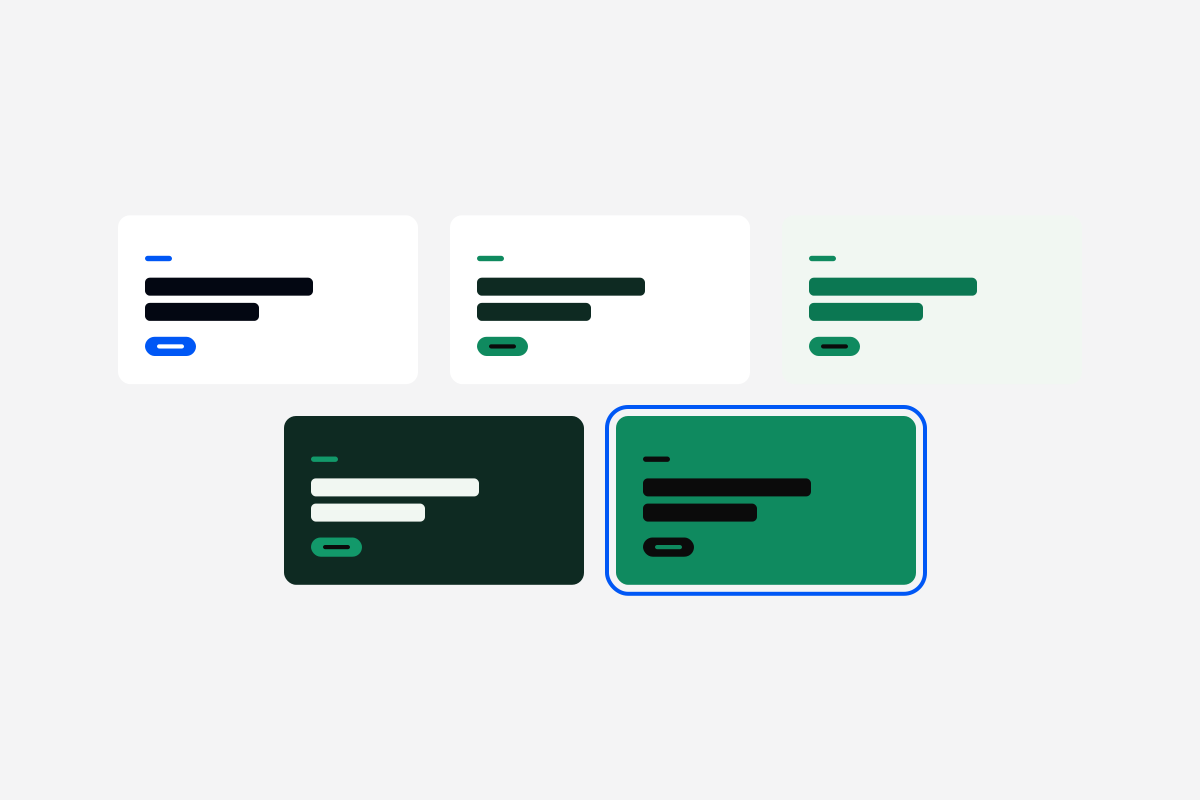
How a module looked used to be out of your hands. Now click Style in the studio and choose a ready-made look, from white screens with touches of your colour to full-colour covers, or create your own with your colours, fonts, corners and titles. The stage changes as you choose, every module in the course follows, and learners see it when you publish.
Styles start from your brand kit, the colours and fonts admins keep in Settings.