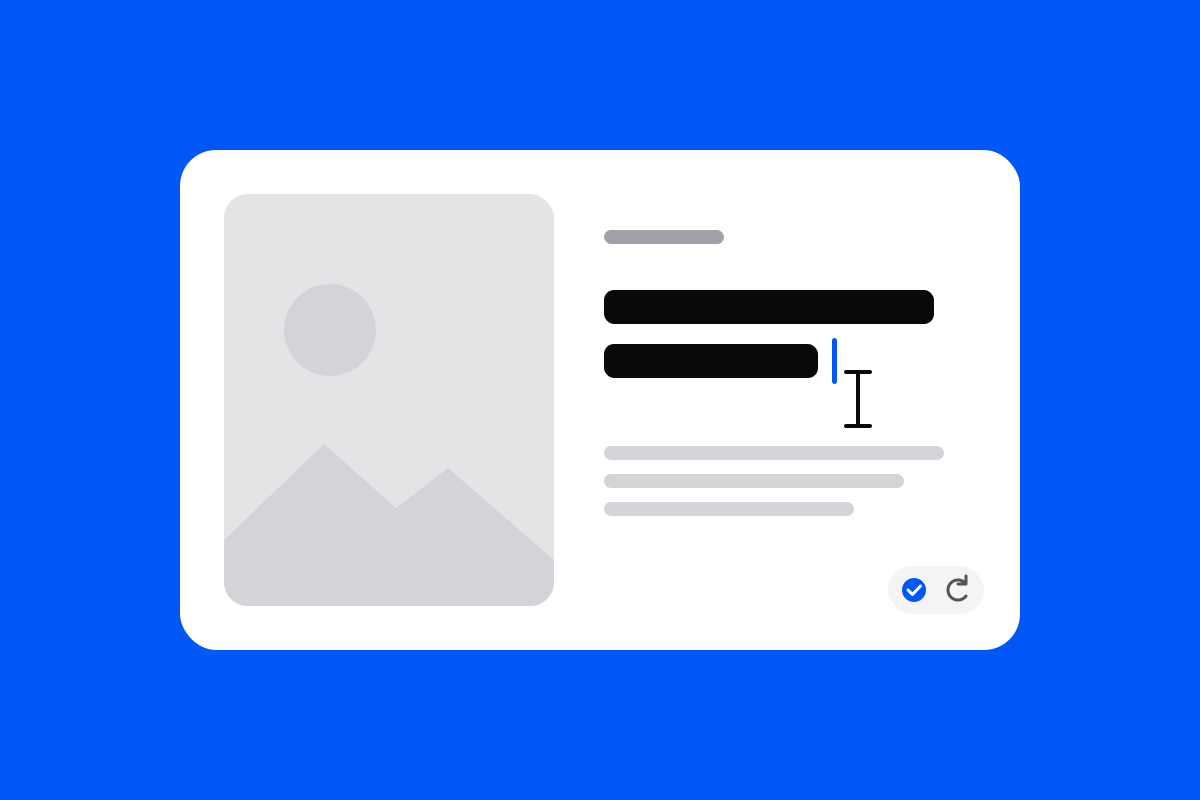
Changing a title, a quiz question or a line of narration used to mean asking in the chat and waiting. Now double-click any text in the studio and type over it, like in a document. Press Enter to save, and ⌘Z to undo.
If you change what the voice says, it is recorded again on its own in a few seconds.