New feature
Tag people with @ in the chat
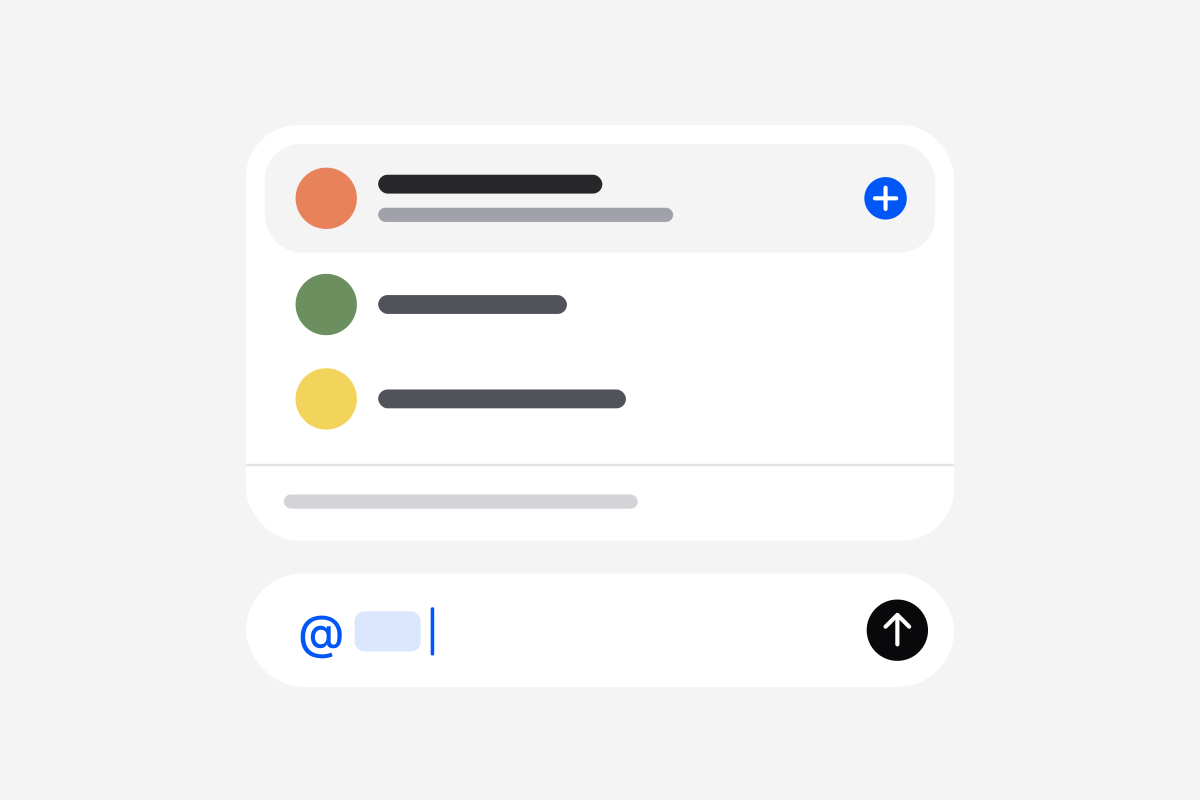
Asking a colleague for something inside a conversation used to mean sharing it from the Share panel and telling them yourself. Now type @ in the message box and pick an admin or member of your organization. A message with a tag is a note between people, so the agents don't answer it.
The person you tag is added to the conversation and sees “Name tagged you” under the Notifications bell. If they turned on email in their notification preferences, an email goes out too.