When none of your voices fits, describe the one you want. Ask in the chat, for example an English narrator with a slight French accent, a warm woman in her forties, or click New voice on a module's Voice tab.
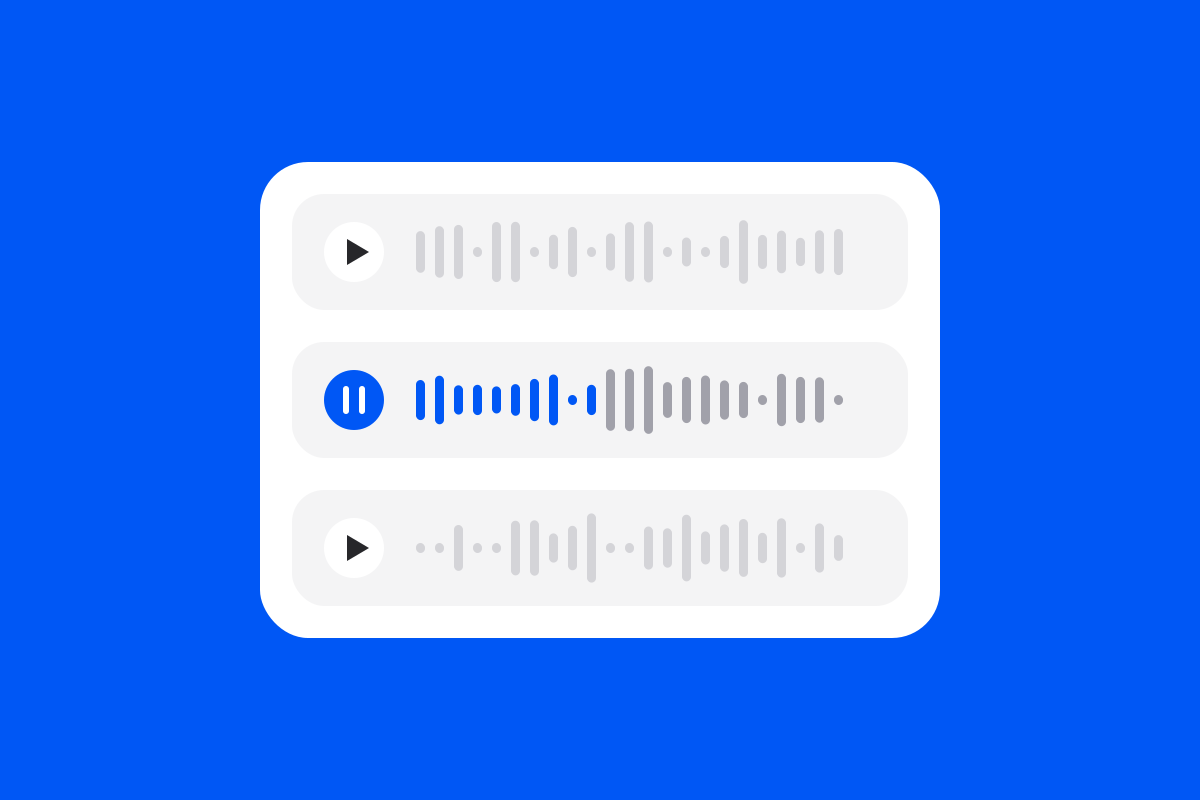
The takes play right in the chat. Keep the one you like and give it a name: it joins your organization's voices and narrates the modules you choose.
- Say the accent in words: where the speaker is from and the language they speak.
- One language per voice: it speaks the language of the course you made it for, and appears on that language's Voice tab.
- Made from a description only: a voice is never copied from a real person.
- Remove it from the chat: a module built with it keeps its narration until it is built again.